There are many code editors/Ide available to write for C# coding. The most suitable IDEs are Visual Studio, Mono, Resharper, and others.
In this tutorial, we will use a visual studio community version which is a free version.
- Navigate to https://visualstudio.microsoft.com/downloads/
- Download the community version
- Click the visual studio installer which is downloaded and install.
- Once Downloaded open visual studio
- Click Create a new Project
- Select Class Library (.Net Framework) and Click Next
- Enter the Project Name, Location, Check the checkbox "Place solution and project in the same directory".
- Select the latest .net Framework and click Next
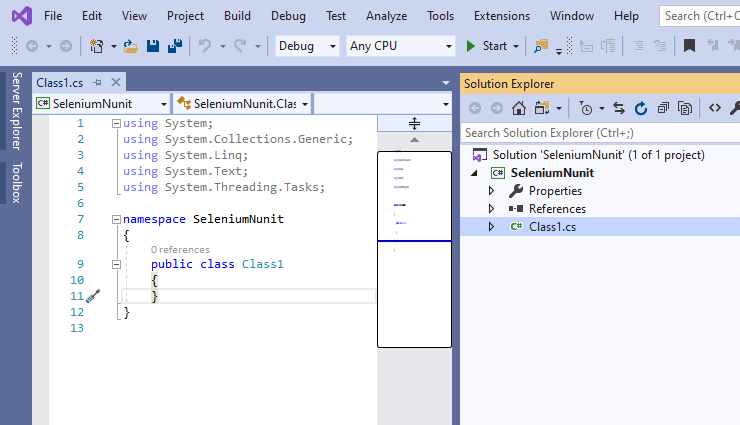
Now the project is created and shows like below,