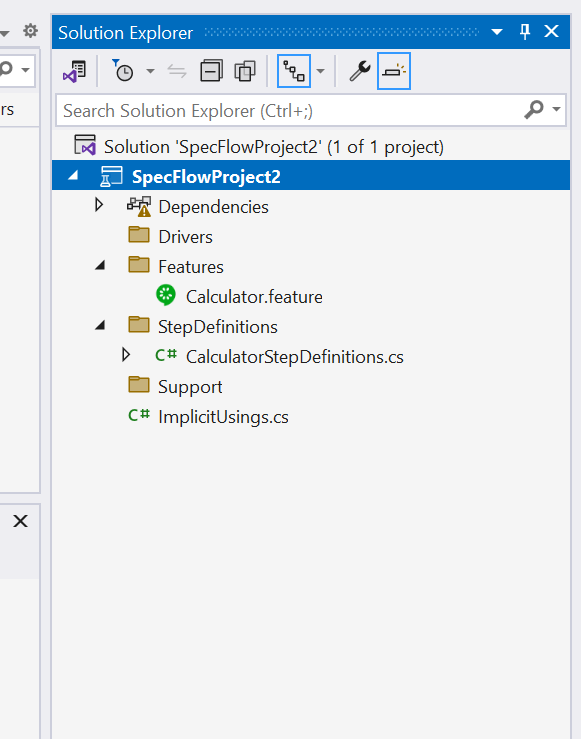

In this tutorial we choose Specflow + Nunit runner, we can choose Mstest as unit test runner. There are few pros and con's of using Nunit / Mstest runner. Both are good, based on the need to choose the unit test runner.
- Install the Visual Studio community or Pro version.
- Open the visual Studio and click Create New project and search for Specflow Template, Click Next
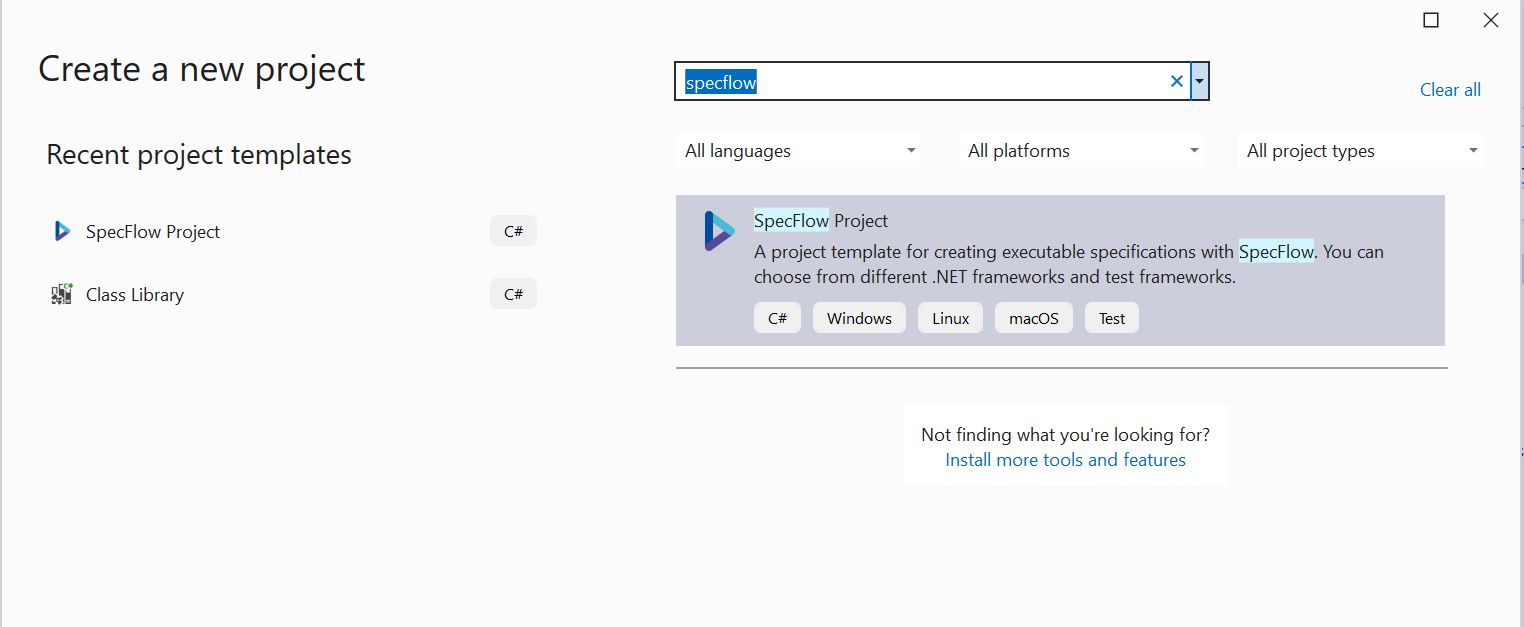
- Enter the Project Name, Location and check the "Place Solution and Project in the same directory" and Click Create.
- Choose the Framework latest and the Test Framework as Nunit and click Create.
- Now the Specflow project is created.